



Blockchain
What does NFT stand for? What is Metamask ? What is Matic ?
What does NFT stand for ? What is Metamask ? What is Matic ?
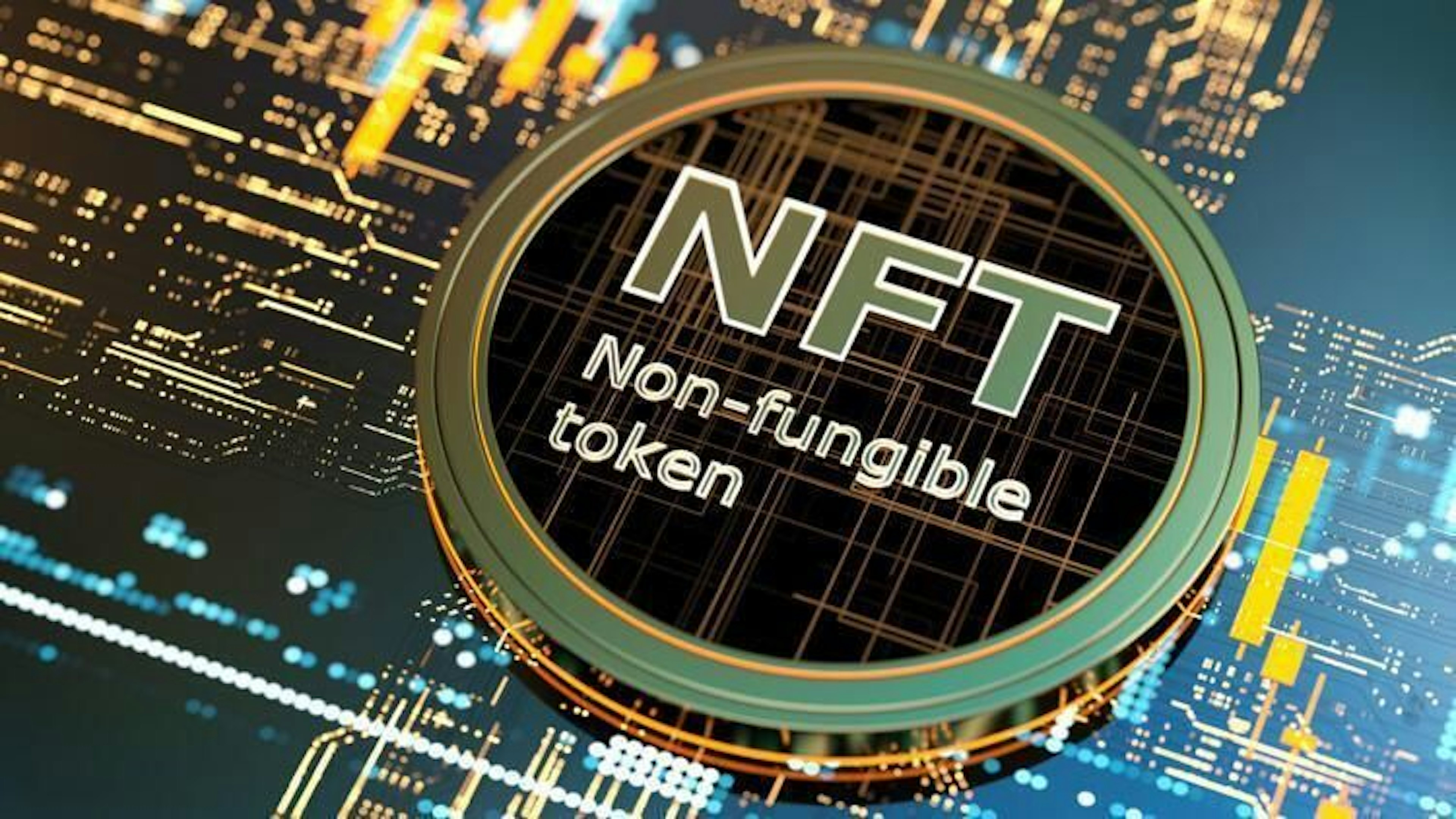
NFT - A non-fungible token (NFT) is a non-interchangeable unit of data stored on a blockchain, a form of digital ledger, that can be sold and traded. Types of NFT data units may be associated with digital files such as photos, videos, and audio.
What is Metamask and how to install it?
MetaMask is a software cryptocurrency wallet used to interact with the Ethereum blockchain. It allows users to access their Ethereum wallet through a browser extension or mobile app, which can then be used to interact with decentralized applications.
Follow the instructions for installing metamask and obtaining a public wallet address.
-
1 . Go to Chrome Web Store Extensions Section and search MetaMask and install it. - Meta mask installation link
-
2 . Click the Add to Chrome button, click on the Get Started button.
-
3 . This is the first time creating a wallet, so click the Create a Wallet button.
-
4 . If there is already a wallet, then import the already created using the Import Wallet button.
-
5 . You will be asked to create a new password. Create a strong password and click Create.
-
6 . Proceed by clicking Next, then accept Terms of Use.
-
7 . Click Reveal secret words. You will see 12 words seed phrases. Save seed words as a file or copy them to a safe place and click Next.
-
8 . Verify your secret phrase by selecting the previously generated phrase. When done, click Confirm.
-
9 . You have successfully created your MetaMask account. To continue, click View Account.

What is Matic and how to add Matic network to your wallet?
The Polygon platform, powered by the MATIC token, was launched to connect and grow Ethereum-compatible projects and blockchains. MATIC tokens are used to govern and secure the Polygon network and pay transaction fees.
-
1 . Click on Networks, select ‘Custom RPC’ and you should see this menu pop up:
-
2 . Input the following info in the boxes:
-
a. Network Name: Polygon Mainnet -
b. New RPC URL: https://polygon-rpc.com/ -
c. ChainID: 137 -
d. Symbol: MATIC -
e. Block Explorer URL: https://explorer.matic.network
You are all set! Well done.


Salı, Mar 15, 2022