



Software Development
Computer programming
Full Stack Developer Vocabulary, Languages & Tools: The 2026 Guide
Knowing the words means knowing the map. And knowing the map means never feeling lost in a codebase, a job interview, or a team standup again.
📚 This is Part 3 of Archi's Academy's Full Stack series. If you're just arriving, catch up with Part 1 - Full Stack Developer Vocabulary and Part 2 - Advanced Vocabulary before continuing.
The Developer Who Speaks the Language Wins the Room
There's a specific kind of confidence that comes from walking into a technical conversation and understanding every word being said.
Not because you've memorised a glossary - but because you've built things with those words. You know what a REST API actually feels like to design. You know what Git merge conflicts actually look like at 4pm on a Friday. You know why someone would choose MongoDB over PostgreSQL and when they'd regret it.
That's what this guide is about. Not vocabulary for its own sake - but vocabulary as a gateway to understanding the full picture of what full stack development actually is, what tools professionals reach for, and why each decision in the tech stack matters.
Because in 2026, the developers who move fastest aren't necessarily the ones who can code the hardest. They're the ones who understand the entire system - who can talk to the frontend dev, the DevOps engineer, the product manager, and the database architect, and make sense of all of it.
What "Full Stack" Actually Means in Practice
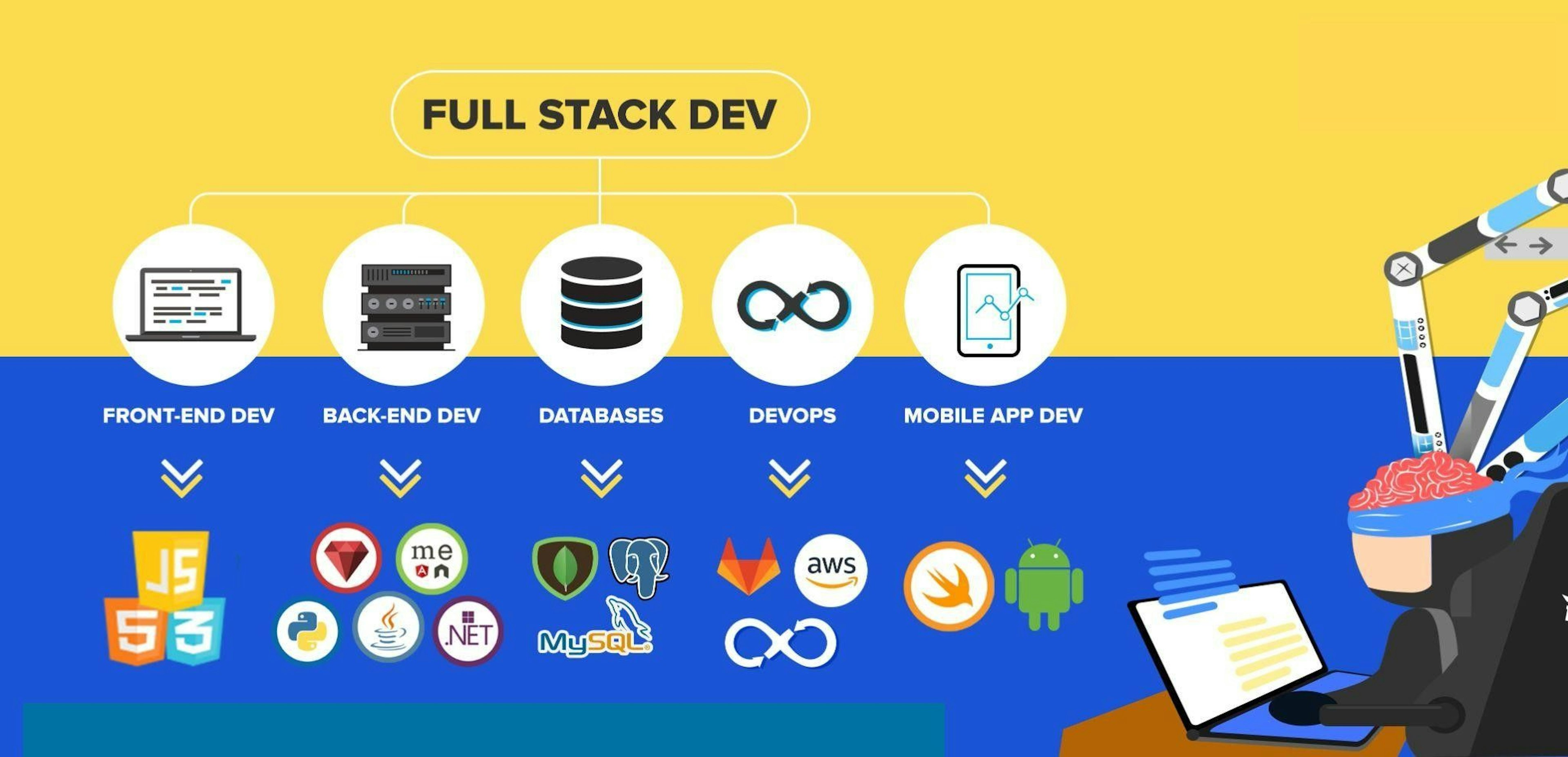
Full stack development means owning the complete journey of a feature - from the pixel a user clicks, through the API that handles the request, through the server logic that processes it, and down to the database that stores the result.
That's four distinct layers, each with its own languages, tools, and mental models. The full stack developer doesn't have to be an expert in all of them simultaneously - but they need to be fluent enough to work across all of them without getting stuck.
Let's map the whole thing.
The Languages: What Runs Where and Why
Frontend Languages - What the Browser Understands
The browser speaks exactly three languages natively. There are no exceptions.
HTML gives a page its structure - headings, paragraphs, buttons, forms. Without it, there's nothing for the browser to render. CSS makes that structure look like something - layout, colour, spacing, typography, responsiveness. JavaScript makes it do something - handle clicks, fetch data, animate elements, update the UI without a page reload.
Everything else in the frontend world - React, Vue, Angular, Svelte, Tailwind - is built on top of these three. Frameworks come and go. These three are permanent.
Backend Languages - What the Server Understands
The server can run almost any language. The question is which one fits the job and the team. In 2026, the most commonly used backend languages are:
JavaScript (Node.js) - The same language as the frontend, running on the server. This is the foundation of the MERN stack and the most common choice for teams who want a unified language across the entire application. Read more in our MERN Stack guide.
Python - Beloved for its readability and the richness of its ecosystem. Dominant in data-heavy applications, machine learning pipelines, and rapid API development with Django or FastAPI.
Go (Golang) - Built for performance. Increasingly used for microservices and high-throughput APIs where speed is critical.
PHP - Powers a significant portion of the web (including WordPress). Less fashionable than it once was, but very much alive in production environments.
Rust - Emerging in systems programming and performance-critical backend services. Steep learning curve, exceptional results.
For beginners: start with JavaScript (Node.js). The ability to use one language across the full stack is a genuine advantage that makes learning faster and portfolio projects more coherent.
The Frameworks: Don't Reinvent the Wheel
Frameworks are opinionated starting points - pre-built structures that handle common problems so you can focus on what's unique about your application.
Frontend Frameworks
React - Component-based, widely adopted, enormous ecosystem. The default choice for most teams building modern UIs. If you only learn one frontend framework, make it this.
Next.js - React's production layer. Adds routing, server-side rendering, API routes, and deployment optimisation. Most serious React projects use it.
Vue.js - Gentle learning curve, excellent documentation. A strong alternative to React, especially in European and Asian markets.
Angular - Opinionated, enterprise-grade, built by Google. Common in large corporate codebases.
Backend Frameworks
Express.js - Minimal, flexible, the backbone of Node.js API development. Gives you structure without imposing opinions. The most common backend framework in JavaScript ecosystems.
Django - Python's most complete web framework. "Batteries included" - authentication, admin panel, ORM all built in.
Laravel - PHP's most elegant framework. Mature ecosystem, excellent developer experience.
The Databases: Where Everything Lives
Every application stores data somewhere. The choice of database shapes your entire backend architecture.
Relational Databases (SQL)
PostgreSQL and MySQL store data in tables with rows and columns - structured, consistent, and queried with SQL. Best when your data has clear relationships and you need strong consistency. PostgreSQL in particular has become the default for serious production applications.
Non-Relational Databases (NoSQL)
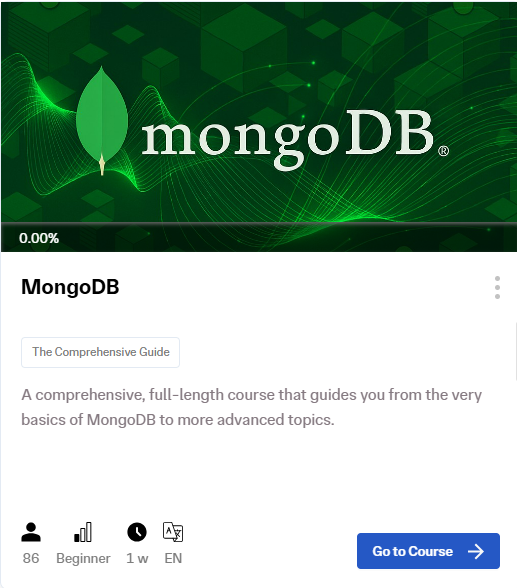
MongoDB stores data as JSON-like documents - flexible, schema-optional, and a natural fit for JavaScript applications. Ideal when your data structure is likely to evolve or when you're working within a MERN stack.
The Tools: What Full Stack Developers Actually Use Day-to-Day
This is the vocabulary that separates people who've done tutorials from people who've worked on real teams.
Version Control
Git is how developers track changes, collaborate, and avoid catastrophic overwrites. GitHub is where that code lives and where your portfolio is publicly visible. Git is not optional. Learn it before you learn anything else that involves collaboration.
Package Management
NPM (Node Package Manager) is how JavaScript projects install and manage dependencies. Nearly every Node.js and React project uses it. Understanding what a
package.json is and how dependencies work is basic professional literacy.API Testing
Postman lets you test your API endpoints without needing a frontend to be built yet. You build a route in Express, hit it in Postman, see exactly what it returns. Indispensable for backend development.
Containerisation
Docker packages your application and all its dependencies into a container - a portable, consistent environment that runs the same way on every machine and every server. "It works on my machine" is a Docker problem. Kubernetes orchestrates multiple containers at scale - less beginner-relevant, but important vocabulary for any team conversation about infrastructure.
Cloud & Deployment
Vercel and Netlify are the fastest way to deploy frontend apps - connect your GitHub repo and it deploys on every push. For full-stack apps with backends, Railway and Render are beginner-friendly alternatives to AWS. AWS, Google Cloud, and Azure are the enterprise-grade options worth understanding conceptually even if you're not configuring them yet.
Design Handoff
Figma is where designers build UIs that developers then implement. Being able to open a Figma file, inspect spacing, colours, and component structure, and translate it into code - that's a skill that makes you immediately more useful on any team.
The Full Stack Tool Map in 2026
| Layer | What it is | Tools to know |
|---|---|---|
| Frontend | What users see | HTML, CSS, JavaScript, React, Next.js, Tailwind |
| Backend | Server logic & APIs | Node.js, Express.js, Python, Django |
| Database | Where data lives | MongoDB, PostgreSQL, MySQL |
| DevOps | How it runs in production | Git, Docker, Vercel, Railway, AWS |
| Collaboration | How teams work | GitHub, Figma, Postman, Slack |
| AI Layer | How devs work in 2026 | Cursor, GitHub Copilot, v0, Bolt.new |
The AI Layer: The Vocabulary That Didn't Exist Two Years Ago
In 2026, full stack vocabulary includes a new category - the tools and concepts that define AI-augmented development.
Cursor - An AI-native code editor that understands your entire project context. Ask it to build a new API route, refactor a component, or explain a confusing function - it operates across files simultaneously.
GitHub Copilot - Inline code suggestions that read your context and complete functions, write tests, and generate boilerplate.
v0 by Vercel - Describe a UI component in plain English, receive production-ready React and Tailwind code.
Vibe coding - The emerging practice of describing what you want in natural language and iterating rapidly with AI-generated output. Not a replacement for understanding - an amplifier of it.
The full stack developer who understands why a piece of AI-generated code works - or doesn't - is the one who can use these tools to ship faster without shipping broken things.
The One Mistake That Slows Everyone Down
Trying to learn the entire table at once.
The full stack tool ecosystem is genuinely large. If you try to learn Docker, Kubernetes, AWS, React, Angular, Django, Laravel, MongoDB, and PostgreSQL simultaneously, you will learn none of them properly.
The move: pick a stack and go deep. For most beginners in 2026, that means MERN - MongoDB, Express, React, Node.js - because it uses one language across the full stack and has the largest job market behind it. Once you can build and deploy a complete MERN application, every other tool on the list becomes much easier to add.
Where to Go From Here
Understanding the vocabulary is the first step. Building with it is what actually makes it stick.
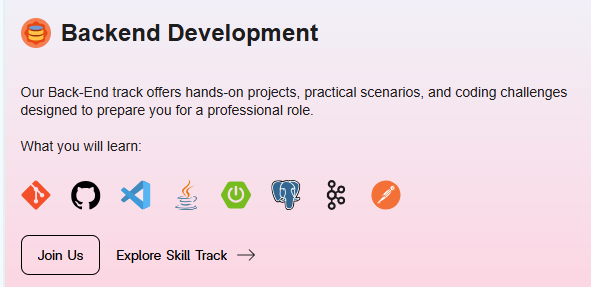
At Archi's Academy, both the Frontend Development track and the Backend Development track are built around real project simulations - not lectures about what these tools are, but actual scenarios where you use them to build something that works.
The vocabulary in this guide stops being abstract the moment you're building with it. That's the whole point.
Start with whatever layer excites you most. Both paths lead to the same place.

Not sure which track fits where you are right now? The Archi's Academy team works with beginners at every stage - get in touch here and they'll help you figure out the right starting point.

Perşembe, Mar 24, 2022